

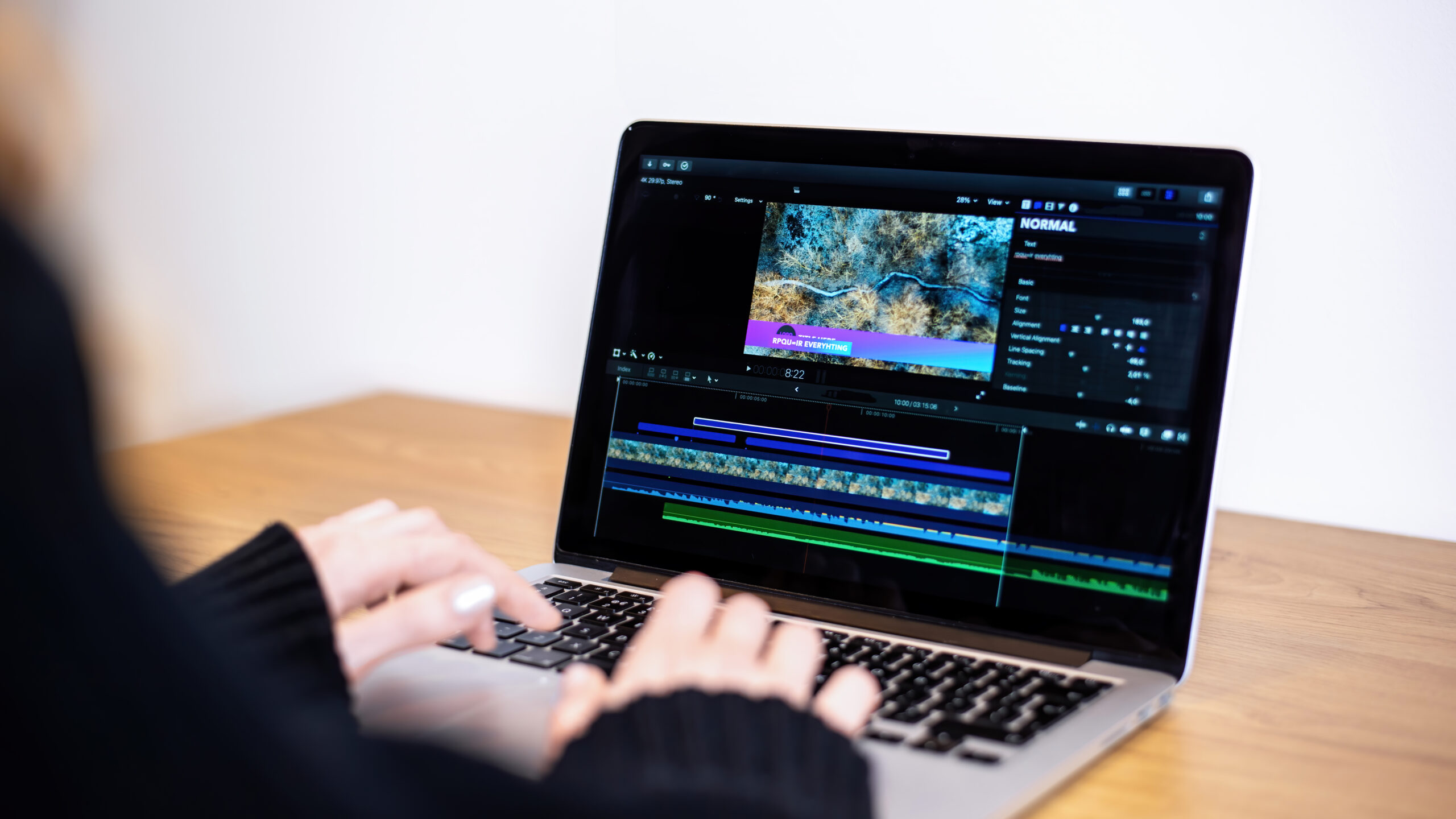
Artificial intelligence has transformed video editing by making complex tasks faster and more accessible. Today, AI-powered editors can automatically generate subtitles, remove background noise, create short clips, enhance video quality, and even produce complete videos from text prompts. As a result, content creators, marketers, businesses, and educators can produce professional-quality videos in less time.
Here are some of the top AI video editing tools to consider in 2026.
Adobe Premiere Pro
Adobe Premiere Pro continues to lead the professional video editing market with powerful AI features powered by Adobe Firefly. The platform helps editors remove unwanted objects, extend clips, improve audio quality, and automate repetitive editing tasks.
Key Features
AI-powered object removal
Automatic caption generation
Speech enhancement
Color correction
Professional editing tools
Runway
Runway has become one of the most advanced AI video generation and editing platforms. Users can create videos from text prompts, replace backgrounds, remove objects, and generate cinematic visual effects without advanced editing skills.
Key Features
Text-to-video generation
AI background removal
Motion tracking
Video inpainting
AI-powered visual effects
Descript
Descript simplifies video editing by allowing users to edit videos just as they edit a text document. Additionally, it offers AI voice cloning, automatic transcription, and filler-word removal, making it popular among podcasters and video creators.
Key Features
Text-based video editing
AI transcription
Voice cloning
Automatic subtitles
Noise removal
CapCut
CapCut combines traditional editing tools with AI-powered automation for social media creators. Moreover, it offers auto captions, background removal, AI avatars, and one-click video enhancements.
Key Features
AI captions
Background removal
AI avatars
Video templates
Social media optimization
Wondershare Filmora
Filmora integrates AI into its editing workflow to help beginners create professional-looking videos. It provides smart masking, AI copywriting, speech-to-text, and automatic music generation.
Key Features
AI copywriting
Smart masking
Speech-to-text
AI music generation
Beginner-friendly interface
InVideo AI
InVideo AI allows users to create complete videos using simple text prompts. Instead of manually editing timelines, users can describe their ideas, and the platform generates scripts, visuals, voiceovers, and transitions automatically.
Key Features
Text-to-video creation
AI voiceovers
Automated scripting
Stock media library
Social media exports
VEED
VEED focuses on fast online video editing for creators and businesses. Furthermore, it offers AI subtitle generation, eye contact correction, voice translation, and background noise removal.
Key Features
Auto subtitles
AI voice translation
Eye contact correction
Screen recording
Online editing
Pictory
Pictory helps users convert long-form content into engaging short videos. It automatically extracts highlights, adds captions, and selects relevant visuals, making it ideal for marketers and YouTubers.
Key Features
Blog-to-video conversion
AI summarization
Automatic captions
Stock footage integration
Short-form video creation
Canva AI Video Editor
Canva combines its popular design platform with AI-powered video editing tools. Users can create presentations, promotional videos, and social media content using templates, Magic Studio features, and AI-powered design assistance.
Key Features
AI design assistance
Video templates
Text-to-image
Brand Kit integration
Drag-and-drop editing
Synthesia
Synthesia enables users to create presenter-style videos using AI avatars. Consequently, businesses use it to produce training videos, product demonstrations, onboarding content, and multilingual presentations without hiring actors or recording studios.
Key Features
AI avatars
Text-to-video
Multiple language support
Custom avatars
Business training videos
How to Choose an AI Video Editing Tool
Before selecting an AI video editor, consider the following factors:
Your editing experience and skill level.
AI features such as text-to-video, auto captions, and voice generation.
Export quality and supported formats.
Collaboration features for teams.
Pricing and subscription plans.
Integration with platforms like YouTube, Instagram, and TikTok.
Conclusion
AI video editing tools continue to simplify content creation while improving productivity. Adobe Premiere Pro and Runway offer advanced editing capabilities for professionals, whereas CapCut, Filmora, and Canva cater to beginners and social media creators. Meanwhile, platforms like InVideo AI, VEED, Pictory, and Synthesia help users create high-quality videos with minimal effort. Choosing the right tool ultimately depends on your workflow, budget, and content goals.
